Product Scene Replacement - Perfect Context for Every Product
productphotographyecommerce

Prompt
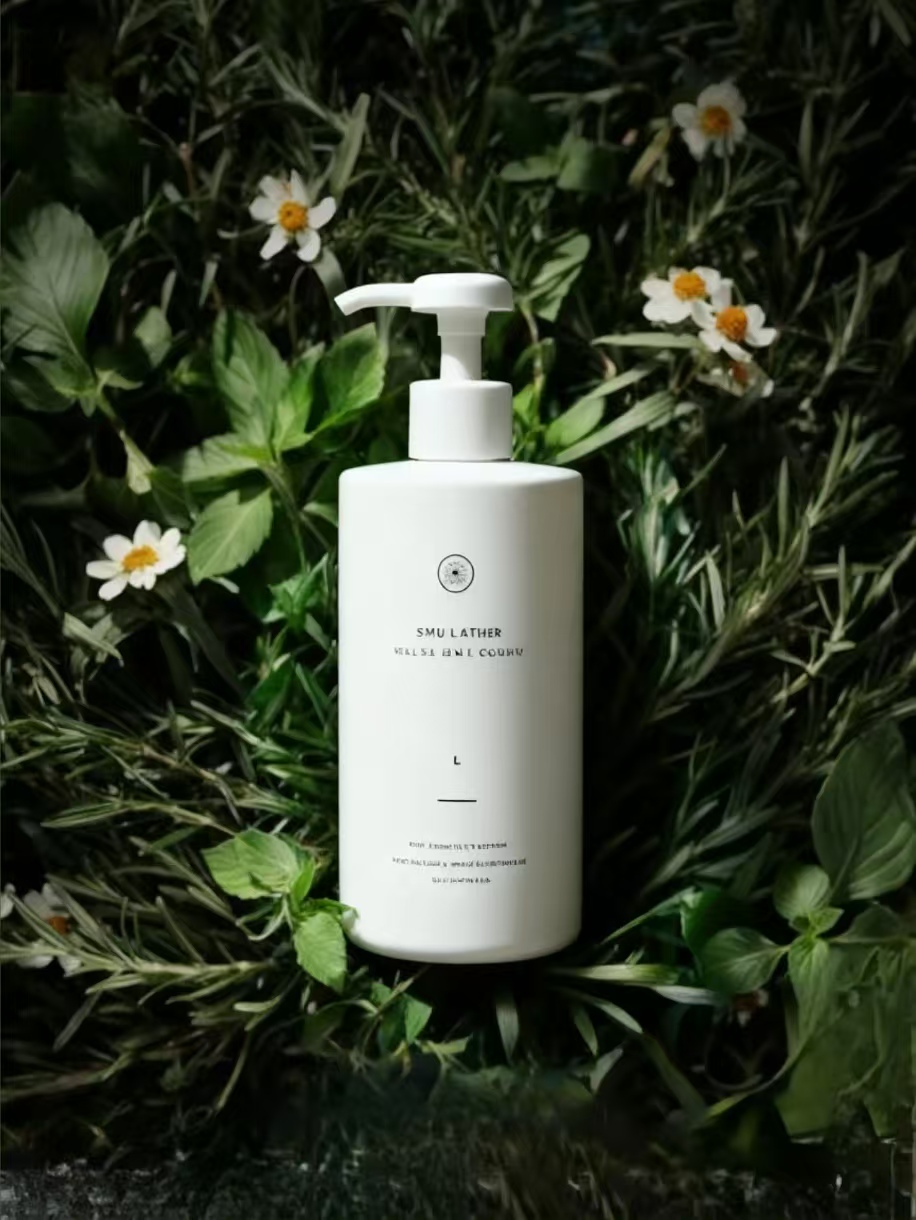
Place the product in Picture 1 into the scene in Picture 2 and adapt it to the scene's lighting, shadow, image quality, etc.
Created: 9/17/2025, 12:00:00 AM
Lifestyle Context Sells Better
Plain white backgrounds are boring! Show your products in real-life situations where customers will actually use them. Kitchen gadgets in beautiful kitchens, jewelry worn by elegant models, electronics in modern living spaces. Seedream 4.0 makes this super easy - just describe the scene you want.
Automatic Perfect Lighting
The magic is in the details - shadows that fall naturally, reflections that make sense, lighting that matches the environment. Our free ai image editor automatically adjusts your product to look like it belongs in the new scene. No more awkward floating objects or mismatched lighting!
Psychology of Product Placement
Different scenes trigger different emotions. A cozy coffee mug in a warm kitchen feels homey and comforting. The same mug in a modern office suggests productivity and professionalism. Choose scenes that match how you want customers to feel about your product.
Save Money on Photo Shoots
Professional product photography can cost hundreds per image. With Seedream 4.0, upload your basic product photo and place it in dozens of different premium environments instantly. Get variety and professional quality without the expensive studio time and photographer fees.
A/B Test Different Scenes
Not sure which environment works best? Try several! Place your product in different scenes and test which ones get more clicks and sales. Maybe your skincare products work better in spa settings than bathroom counters. Data-driven scene selection boosts conversion rates.